Identify your fibre box and its lights
The ONT is the fixed box where fibre enters your home. Your router plugs into it by Ethernet and provides your home network.
Find the two separate devices
The ONT usually stays on the wall when someone moves house. Your removable Wi-Fi router connects to one of its Ethernet sockets. If the box is in a cupboard, a wall outlet elsewhere may connect back to it through internal wiring. Trace the Ethernet lead without disturbing the thin optical cable.
Read the labels before the colours
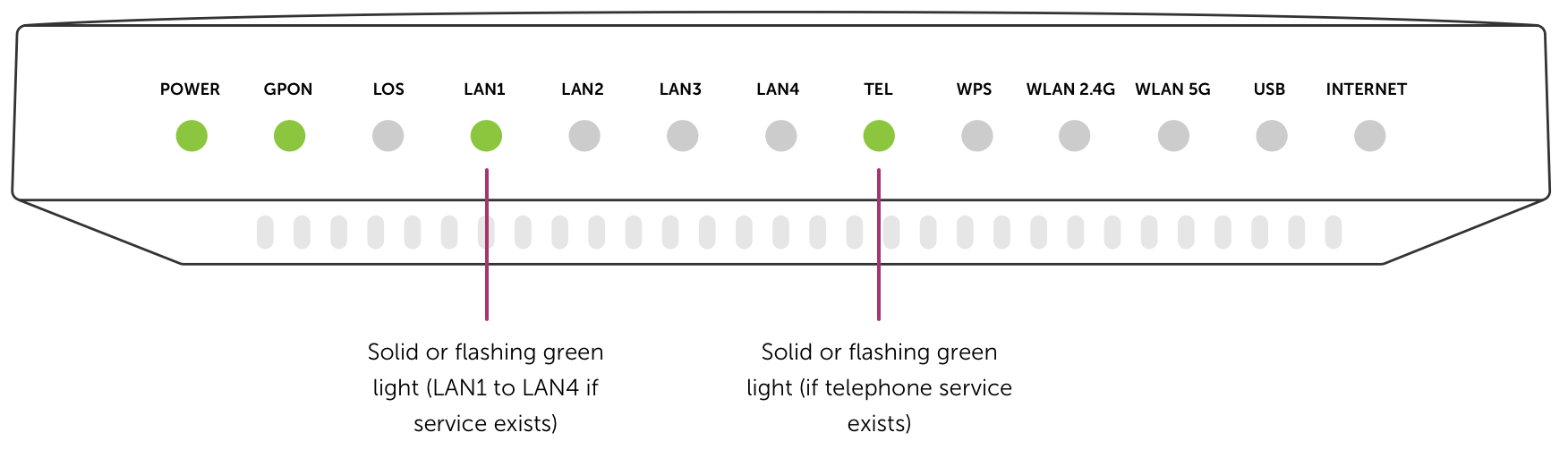
Models use different colours and symbols. Note the labels, whether the lights are steady or flashing, and the ONT model. A lit LAN indicator shows an Ethernet link. It does not confirm that the correct service has been activated.
- Power off. Check the wall switch and the ONT’s own power adapter. If the correct adapter is missing, contact Riley.
- LOS or optical alarm. A red loss-of-signal indicator can mean an optical fault. Record what you see and contact Riley. Leave the fibre connector in place.
- No LAN link. Check the router has power and reseat the Ethernet cable in the confirmed service port. If you have a spare Ethernet cable, try it.
When to stop changing things
If the optical alarm persists, or you do not know which port Riley provisioned, contact Riley with the address and light labels. Leave other occupied ports alone. Avoid pressing a reset button or opening the ONT.
Match the box before interpreting the lights
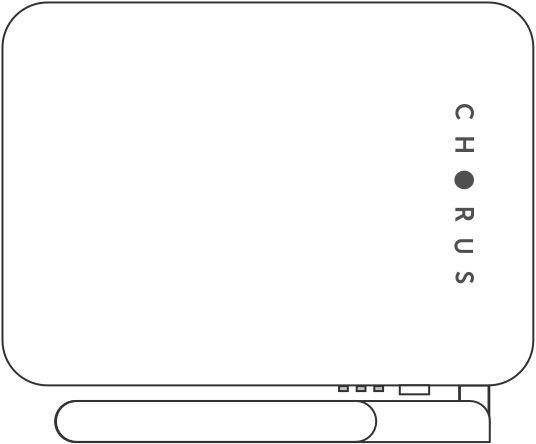
These examples show a Chorus Type 300. Compare the shape and printed labels with your own box. Other models can use different light names. Use the port Riley names in your activation details.